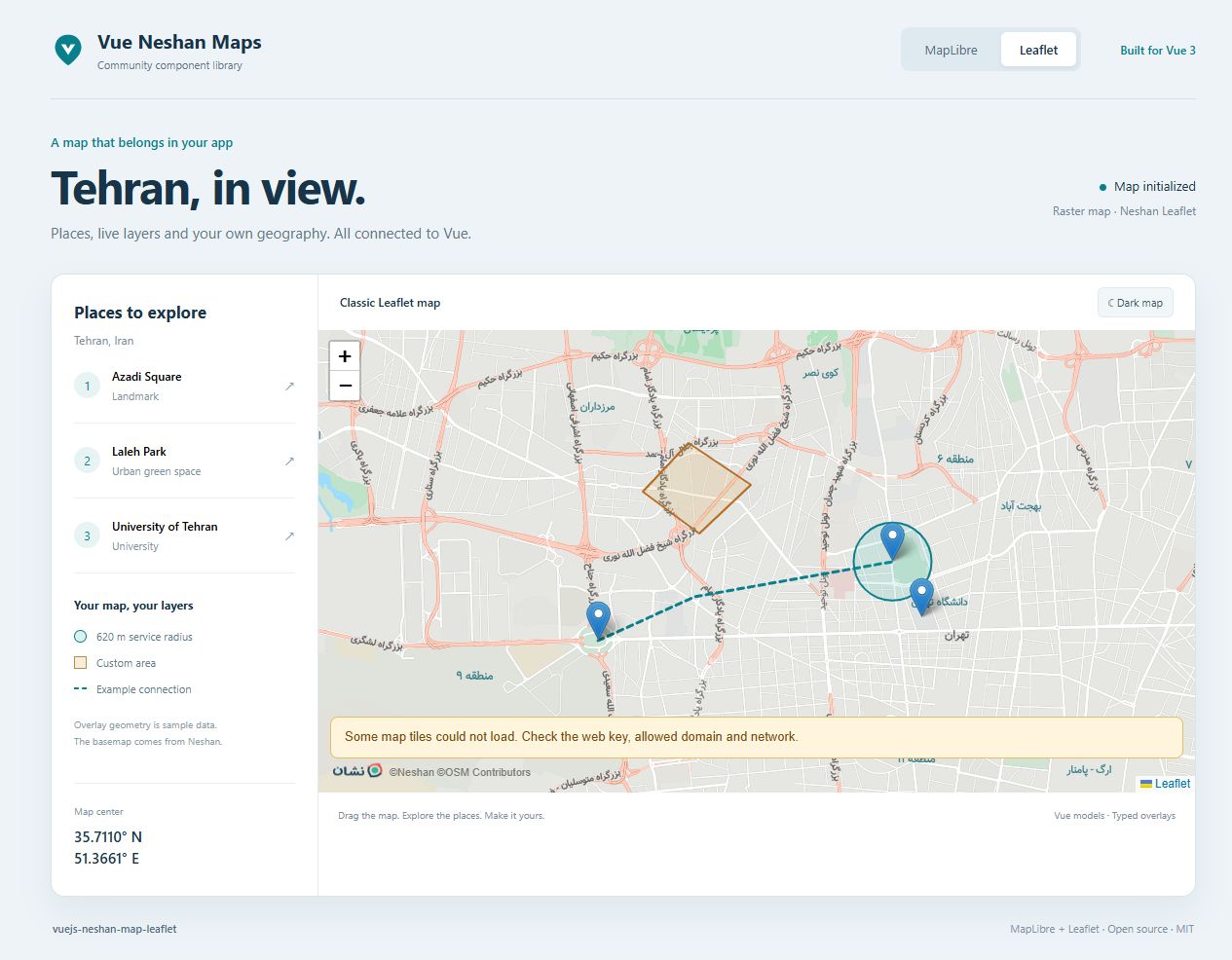
Playground / Documentation / Leaflet compatibilityLeaflet compatibility Integrate raster maps and understand the legacy live-layer limits.
1 min read Vue 3 / Nuxt 4 Live example included
On this page Leaflet Leaflet
Preview Vue code
Vue 3 · TypeScript Copy complete example
<script setup lang="ts">
import { ref, shallowRef } from 'vue'
import { NeshanMapLeaflet, type Coordinates, type MapMarker } from 'vue-neshan-maps'
import 'vue-neshan-maps/style.css'

const webKey = import.meta.env.VITE_NESHAN_WEB_KEY
const center = ref<Coordinates>([35.72, 51.36])
const zoom = ref(12.2)
const markers = shallowRef<MapMarker[]>([
  {
    "id": "azadi",
    "position": [
      35.6997,
      51.338
    ],
    "popup": "Azadi Square",
    "tooltip": "Drag this marker",
    "options": {
      "draggable": true
    }
  },
  {
    "id": "milad",
    "position": [
      35.7448,
      51.3753
    ],
    "popup": "Milad Tower",
    "options": {
      "draggable": true
    }
  }
])
function saveMarker(marker: MapMarker, position: Coordinates) {
  markers.value = markers.value.map(item => item.id === marker.id ? { ...item, position } : item)
}
</script>

<template>
  <NeshanMapLeaflet
    v-model="center" v-model:zoom="zoom"
    :api-key="webKey"
    :styles="{ height: '420px' }"
    :center-marker="false"
    :options="{ maptype: 'dreamy' }"
    :markers="markers" @marker-dragend="saveMarker"
  />
</template>
Set VITE_NESHAN_WEB_KEY in your ignored .env.local. This code reflects the controls above; your actual key is never included.
Leaflet# Use NeshanMapLeaflet for existing Leaflet integrations. The coordinate model and declarative shape props follow the same pattern, but native options and GeoJSON styling are engine-specific.
vue Copy code
<script setup lang="ts">
import { ref } from 'vue'
import { NeshanMapLeaflet, type Coordinates, type MapMarker } from 'vue-neshan-maps'
import 'vue-neshan-maps/style.css'
const webKey = import.meta.env.VITE_NESHAN_WEB_KEY
const center = ref<Coordinates>([35.6997, 51.338])
const zoom = ref(13)
const markers: MapMarker[] = [{ id: 'azadi', position: [35.6997, 51.338], popup: 'Azadi Square' }]
</script>
<template>
  <NeshanMapLeaflet v-model="center" v-model:zoom="zoom" :api-key="webKey"
    :options="{ maptype: 'dreamy' }" :markers="markers" :center-marker="false"
    :styles="{ height: '500px' }" />
</template>
The official legacy SDK no longer updates traffic and POI. Those options are ignored with a warning; use MapLibre for live layers. Some supplemental raster label requests can return HTTP 204 without an image. Observe tile events when diagnosing partial delivery.